Read our AI & Hiring Alignment Report with insights from 505 recruiting & hiring leaders.

Metaview Outreach: Candidate sequences built into your sourcing flow

Stephanie Tsimis
Stephanie Tsimis
23 Feb 2026 • 6 min read

Outbound recruiting has lived across four disconnected tools for years. Sourcing in one. Enrichment in another. Sequencing in a third. Reply tracking in a fourth.

Every handoff between them costs context, time, and the per-contact send pricing that quietly makes outbound expensive for any team running more than a handful of roles.

That's the gap Metaview Outreach closes. Sequences now live in every Metaview workspace, side by side with the AI Sourcing agent that surfaces the candidates in the first place.

You build a multi-step campaign, the AI helps draft the messages, the enrichment fills in the contact, and the replies come back into the same view. Sending is free for every workspace.

The full outbound workflow now runs inside the same tool you interview in.

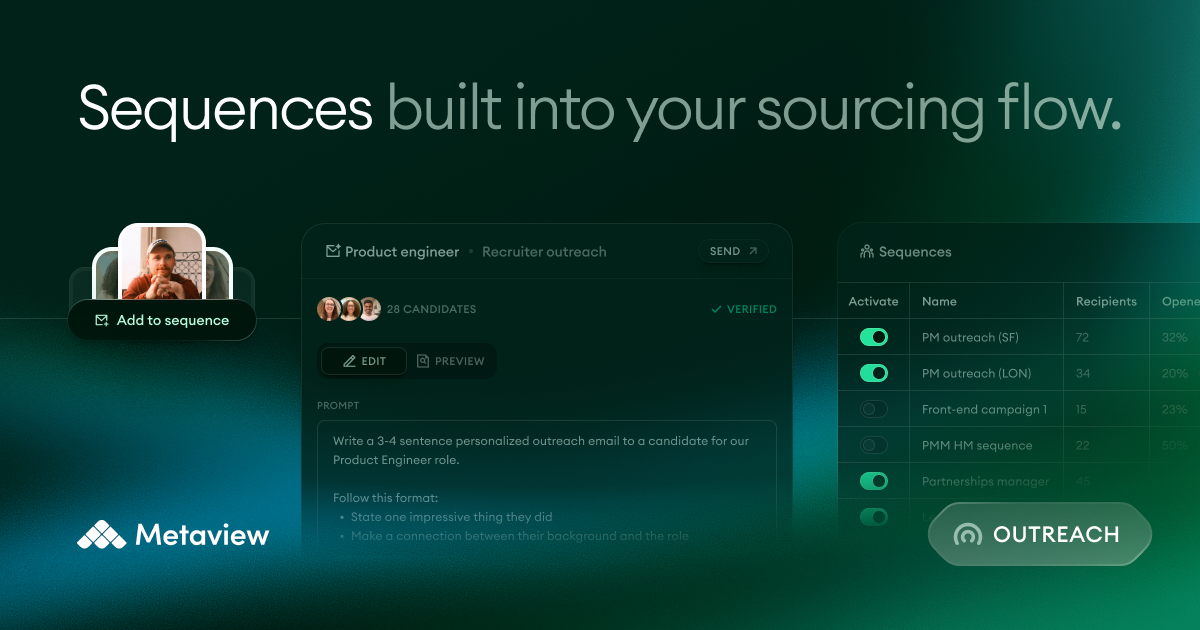
Metaview Outreach announcement card showing the Sequences product in the Metaview workspace

Sequences live inside the sourcing flow

If you're already running searches in Metaview, the Sequences workspace sits in the same left-hand nav. You don't switch tools, you don't sync candidate IDs across systems, and you don't re-paste a tailored opening line because the role context you already have travels with you.

Inside a sequence, you set the cadence, configure each step, and pull in AI help where you want it. The drafter knows your role: it reads the role brief, the candidate's ATS record where one exists, and any Metaview interview history attached to the candidate.

The output is a starting point you edit, not a black-box send. Every step stays editable, and the team-side controls let you gate auto-send vs review-first per sender.

Sequences shipped email-only in February, then opened up in March. You can now add manual LinkedIn message steps, LinkedIn connection requests, phone-call steps, and SMS steps inside the same cadence, each templatable with intent + content.

The AI sourcing benchmark we set keeps moving. We're treating Sequences the same way.

Add candidates from three entry points

Outbound rarely starts in one place. Sometimes a sourcer has already shortlisted ten names from a Monday-morning search. Sometimes a hiring manager forwarded a LinkedIn list. Sometimes the team is still mid-search and wants to queue candidates as they appear.

Metaview Outreach handles all three.

Metaview Outreach campaign tracking with candidates progressing through a multi-step sequence
  1. From a Sourcing shortlist. Select candidates you've saved during a search and add them to a sequence in one click. New: link a shortlist directly to a sequence and any candidate marked yes in sourcing auto-adds with the right enrichment + live/paused settings. Backfills the candidates already shortlisted at the moment you link.
  2. From the search results pane. Open your candidate pack, select the names you want, and click Add to Sequence. No detour through a separate list view.
  3. From a CSV. Import lists from LinkedIn, your ATS, or anywhere else your team already keeps named leads. The enrichment step runs on import.

For teams running our AI Sourcing agent end-to-end, the shortlist-to-sequence link is the configuration we wish every outbound tool had: agree the criteria once, then any candidate the agent qualifies flows into outreach without anyone re-keying a status.

Verified contact data, on a transparent meter

Sending is free. Enrichment is metered. We made the meter visible on purpose so the cost-per-touch is obvious before you ship a 200-candidate campaign.

500
enrichment credits included per workspace, every month
3
credits to unlock a verified email address
10
credits to unlock a verified phone number
0
charged when we don't find a new verified contact

If we find contact details inside your ATS or your search results, we auto-fill them and don't charge anything. Credits only move when we surface a new verified contact you didn't already have.

If we don't find a contact, or we only find one you already have, you aren't charged. The 500 monthly credits reset on the same date for every workspace, so there's no expiring-balance gotcha.

Reply tracking that closes the loop

The data layer recruiters usually lose in outbound is what happened after send. With Sequences, the reply view sits next to the campaign so you can sort, filter, and act on the inbound without leaving Metaview.

Each live sequence is sortable by open rate, by interested rate, and by the named outcome you log against a candidate. You can see exactly where every candidate is in the step sequence, which emails sent, what came back, and whether the team replied with the right next move.

Pause, resume, or bulk-edit any candidate inside the cadence. The same controls work for a single name or a 50-person cohort.

Sequences also know when to stop on their own. A campaign auto-pauses when the candidate replies to any step, when they book a meeting via Calendly, or when a Metaview interview is scheduled in their workflow.

The auto-rule is a default, not a lock. If a reply comes back marked spam or out-of-office, the team can override it from the candidate view in two clicks.

Your end-to-end outbound flow

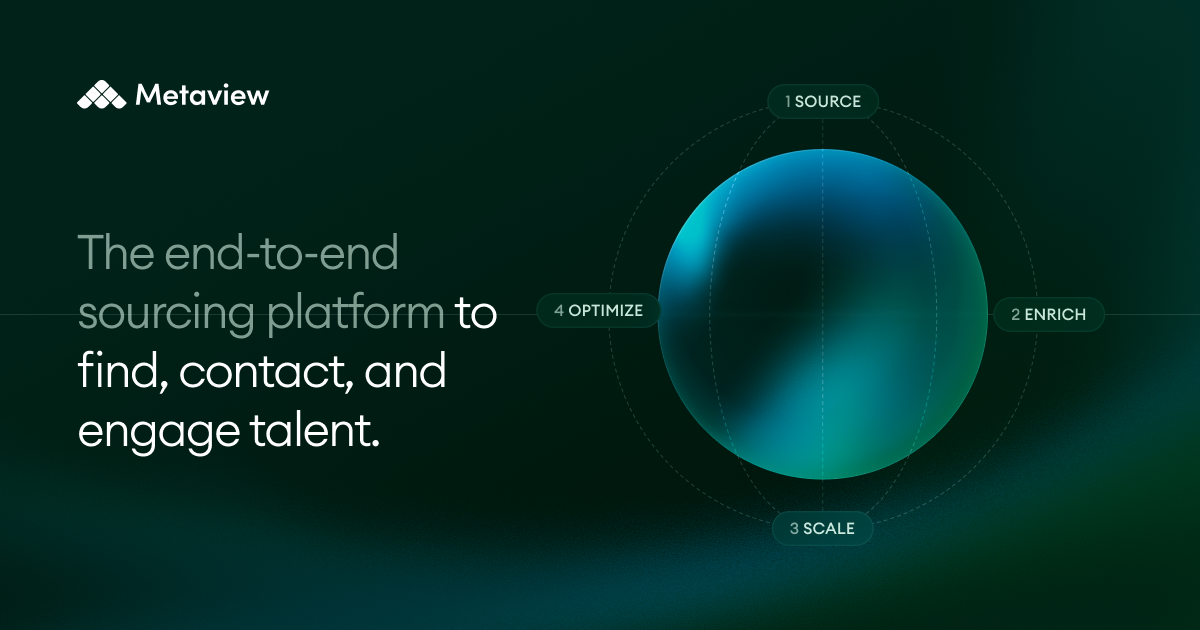
The post's promise is structural, not feature-by-feature. Outbound recruiting collapses from a four-tool stack into a single flow when sourcing, enrichment, sequencing, and reply tracking share the same workspace and the same candidate record.

Without Metaview Outreach
  • Source in one tool, export to a CSV, re-key context into a separate sequencer.
  • Pay per send, per contact, or per enrichment with no shared meter.
  • Replies land in a separate inbox; the interviewing workflow never sees them.
With Metaview Outreach
  • Source, enrich, sequence, and track replies inside one candidate record.
  • Sending is free for every workspace; enrichment runs on a visible 500-credit meter.
  • Replies flow back into the same view where the interview gets scheduled.

One streamlined system, from the first sourced candidate to the scheduled interview and the post-interview debrief. No switching tools. No lost context. No manual coordination.
Metaview Outreach is live for every workspace today. If you're already a customer, open the sidebar in your account and click Sequences to get started. If you're new to us, you can start free and have a sequence live in under ten minutes.

Frequently asked

Is Metaview Outreach really free?

Sending is free for every workspace, including teams that aren't on our AI Sourcing agent yet. The cost that does exist is verified contact unlock once you go past the 500 included credits per workspace per month. Everything else inside Sequences, including campaign creation, AI-assisted drafting, reply tracking, and auto-pause, is included.

Which ATSes does Sequences work with today?

When a candidate exists in your connected ATS, adding them to a sequence posts a note back to their ATS record with a link to the live Metaview sequence. The live integrations page is the source of truth for which ATSes are supported. One caveat at launch: the email content sent through Sequences isn't yet mirrored inside the ATS itself, an ATS-side API limitation we're working to close.

How does the AI assist with message drafting?

The drafter pulls in role context from the open Metaview role brief, candidate data from the ATS record when one is connected, and any prior interview history attached to the candidate. The output is a draft you can edit at the message and sequence-step level; nothing auto-sends without a team-side review configuration that you control.

When does a sequence auto-pause, and how do I resume?

A sequence auto-pauses when the candidate replies to any step, when they book a meeting via Calendly, or when a Metaview interview is scheduled in their workflow. A reply means any inbound email from the candidate, not a keyword-filtered subset. Resume from the candidate view: a manual override lets you put the cadence back on the rails if an out-of-office or auto-reply tripped the pause incorrectly.

What if our team already uses a standalone sequencing tool?

Sequences is built for teams running our AI Sourcing agent end-to-end inside Metaview, where the shortlist-to-sequence link removes the re-keying step. Teams with mature standalone outreach stacks can keep them running and pipe sourced candidates in via CSV export, then run interviews inside Metaview where the scorecards and debriefs live. Talk to your account team about the migration shape that fits.

See it in action

Bring Metaview into your hiring stack.

Live notes, structured scorecards, and ATS sync - set up in under 10 minutes.

Get our latest updates sent straight to your inbox.
Subscribe to our updates
Stay up to date! Get all of our resources and news delivered straight to your inbox.

Other resources

10x Recruiting
Podcast
Metaview
Metaview7 Mar 2025